
안녕하세요. 오늘은 리액트 차트에 대해 알아볼게요.
React에서 그래프나 차트를 시각화할 때 주로 사용되는 라이브러리는 Chart.js(react-chartjs-2)와 Recharts 가 있어요.
두 라이브러리는 렌더링 방식이 다르기 때문에, 프로젝트 성격에 따라 선택하는 것이 중요해요.
Chart.js + react-chartjs-2 VS Recharts
Chart.js + react-chartjs-2는 Canvas 기반으로 렌더링 되어 웹 브라우저에 직접 픽셀을 그리는 방식으로
애니메이션이 화려하고 고성능이며, 대량 데이터 처리에 상대적으로 강해요.
다양한 차트 타입 지원(막대형, 라인, 도넛, 레이더 등) + 플러그인 시스템이 잘 갖춰져 있고, 이미지로 내보내기 쉬워요.
Recharts는 SVG 기반으로 React의 선언적 컴포넌트 형태로 구성으로
React 개발 경험이 있으면 직관적으로 사용 가능해요.
반응형 처리가 매우 쉽고(ResponsiveContainer 제공), 가독성이 좋은 코드 형태라 대시보드 UI 만들 때 선호돼요.
코드 예제
아래는 컴포넌트를 Emotion으로 스타일링하고, Chart.js 및 Recharts 예제를 함께 제공하는 구조예요.
1. Emotion + Chart.js 예제
import React from 'react'
import { Line } from 'react-chartjs-2'
import styled from '@emotion/styled'
import {
  Chart as ChartJS,
  LineElement,
  PointElement,
  CategoryScale,
  LinearScale,
  Tooltip,
  Legend,
} from 'chart.js'

ChartJS.register(LineElement, PointElement, CategoryScale, LinearScale, Tooltip, Legend)

const Wrapper = styled.div`
  padding: 20px;
  max-width: 600px;
  margin: 0 auto;
`

function EmotionChartJsExample() {
  const data = {
    labels: ['1월', '2월', '3월', '4월', '5월'],
    datasets: [
      {
        label: '매출',
        data: [120, 200, 150, 300, 250],
        borderColor: '#4a90e2',
        backgroundColor: 'rgba(74, 144, 226, 0.3)',
        fill: true,
      },
    ],
  }

  return (
    <Wrapper>
      <h2>Chart.js 그래프</h2>
      <Line data={data} />
    </Wrapper>
  )
}

export default EmotionChartJsExample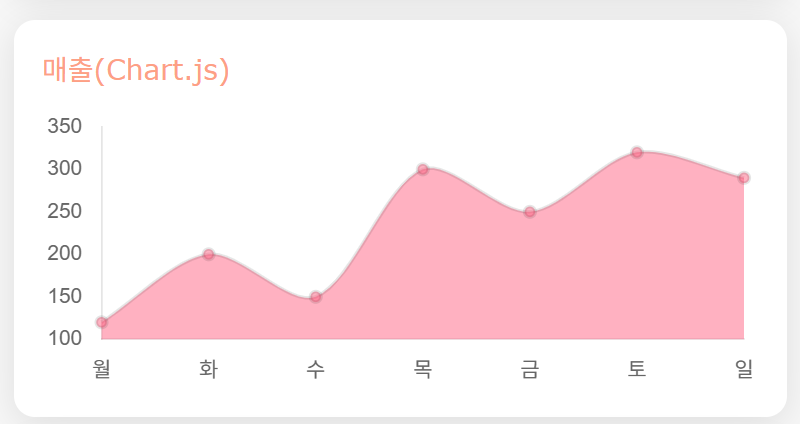
2. Recharts 예제
import React from 'react'
import styled from '@emotion/styled'
import { LineChart, Line, CartesianGrid, XAxis, YAxis, Tooltip, ResponsiveContainer } from 'recharts'

const Wrapper = styled.div`
  padding: 20px;
  max-width: 600px;
  margin: 0 auto;
`

const chartData = [
  { month: '1월', sales: 120 },
  { month: '2월', sales: 200 },
  { month: '3월', sales: 150 },
  { month: '4월', sales: 300 },
  { month: '5월', sales: 250 },
]

function RechartsExample() {
  return (
    <Wrapper>
      <h2>Recharts 그래프</h2>
      <ResponsiveContainer width="100%" height={300}>
        <LineChart data={chartData}>
          <Line type="monotone" dataKey="sales" stroke="#ff7300" />
          <CartesianGrid stroke="#ccc" />
          <XAxis dataKey="month" />
          <YAxis />
          <Tooltip />
        </LineChart>
      </ResponsiveContainer>
    </Wrapper>
  )
}

export default RechartsExample
마지막으로 차트에 대해 샘플데이터나 그대로 활용할 수 있는 사이트를 알아볼게요.
1. Chart.js 공식 데모
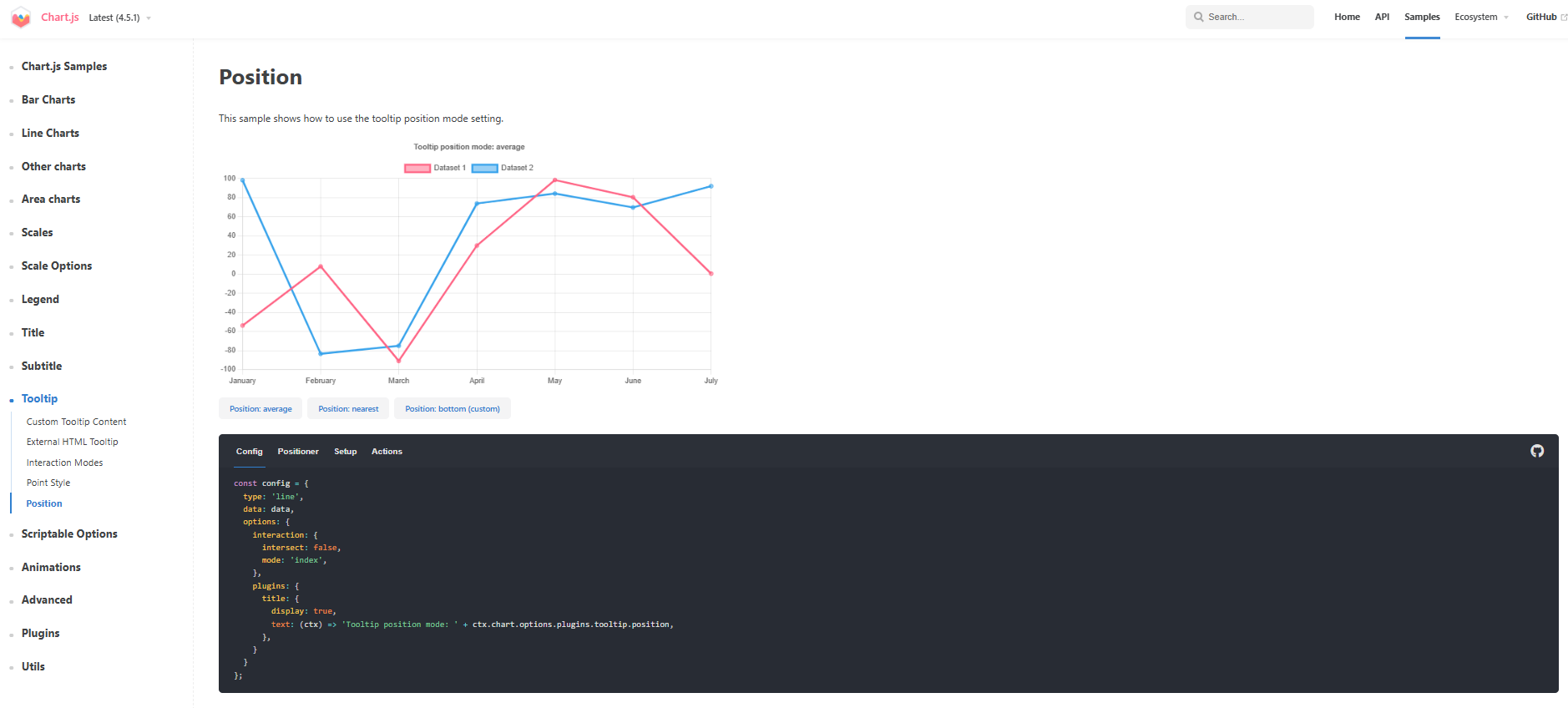
툴팁 위치 설정 예시가 잘 나와 있어, Canvas 기반 차트 구현을 이해하는 데 유용해요.
https://www.chartjs.org/docs/latest/samples/tooltip/position.html
Position | Chart.js
Position This sample shows how to use the tooltip position mode setting. const config = { type: 'line', data: data, options: { interaction: { intersect: false, mode: 'index', }, plugins: { title: { display: true, text: (ctx) => 'Tooltip position mode: ' +
www.chartjs.org
2. react-chartjs-2 공식 예제 페이지

React 환경에서 Chart.js를 사용한 라인 차트 구현 예시가 있어요.
https://react-chartjs-2.js.org/examples/line-chart
Line Chart | react-chartjs-2
Example of line chart in react-chartjs-2.
react-chartjs-2.js.org
3. Recharts 공식 홈페이지

SVG 기반 React 차트 라이브러리, 선언적 API 특징이 잘 설명되어 있고, 개인적으로 차트가 이쁘게 보였어요.
Recharts
recharts.github.io

여기까지 리액트 차트에 대해 알아봤는데요.
React에서 차트를 구현할 때는 목적과 스타일에 맞춰 Chart.js와 Recharts를 적절히 활용하면,
손쉽게 인터랙티브 하고 반응형 시각화를 만들 수 있을 것 같아요.
'Frontend > React' 카테고리의 다른 글
| React Event Handler (0) | 2025.12.05 |
|---|---|
| React Rendering (0) | 2025.12.03 |
| React Props (0) | 2025.12.01 |
| React JSX (0) | 2025.11.30 |
| React Component (0) | 2025.11.28 |